TikTok Ad Specs Every Agency Should Know
A format-by-format guide to TikTok limits that decide approval.
TikTok ad specs belong in the production brief. Each format sets different limits on the creative, from video length to where a logo can sit. Agencies that build around those limits from the start produce ads that clear review, look native, and stay live without avoidable rework.
Why TikTok's ad specs are a production constraint, not an afterthought
TikTok’s review system can reject an asset on technical grounds before it reaches auction. A video below the minimum resolution or outside its format’s duration window may never spend. The loss starts before media buying does. Creative time and budget have already gone into something the platform cannot use.
Passing review is only part of the job. Letterboxing creates black bars that signal repurposed content to viewers and the algorithm, breaking the native feel the ad needs. The production brief therefore has to start with the placement, because dimensions, duration, bitrate, and text limits vary by format. There is no single “TikTok spec” that covers them all.
The single technical foundation all video formats share
Vertical video at 1080×1920 px, with a 9:16 aspect ratio, provides a reusable starting point. TikTok ads have a minimum vertical resolution of 540×960 px, while organic uploads require at least 720×1280 px. Square 1:1 video at 1080×1080 px is accepted for some In-Feed and Spark placements but performs worse. Landscape is a fallback. 16:9 is best reserved for cross-platform assets where TikTok is secondary.
MP4 is the practical default video container. Paid In-Feed also accepts.mov,.mpeg,.3gp, and.avi, while organic posts accept.webm but not.mpeg,.3gp, or.avi. Audio needs AAC at 128 kbps or higher. Duration windows and bitrate floors then depend on the placement, so this foundation is a starting point for placement-specific export settings.
In-Feed Ads: the spec every agency will use most
In-Feed is the workhorse format, so getting its settings right at account level settles many recurring production decisions. It supports the vertical default, plus horizontal video with a minimum of 960×540 px and square video with a minimum of 640×640 px. The usual duration window is 5–60 seconds, though the format can support up to 10 minutes. For cold-audience hook testing, 9–15 seconds gives a claim time to land while keeping the video short enough to ask little of the viewer.
Very short clips can feel rushed, while anything running well past the midpoint of the usual window needs a strong reason. Auction In-Feed also has a minimum bitrate floor, which exports should clear comfortably. The ad caption recommendation is up to 100 Latin characters, with 4 lines displayed. Its white font is fixed, with no custom styling, clickable links, @ symbols, or hashtags.
A CTA is required and must come from TikTok’s preset options. The profile image is 98×98 px at a 1:1 ratio, supplied as JPG or PNG under 50 KB. Spark Ads appear in this same feed slot, but the rules for making them start with the source post.
Spark Ads: why the spec lives in the source post, not the upload
Spark Ads use an organic post already on a creator’s TikTok account, so there is no new file to upload in Ads Manager. The source post is the production asset. For agencies, that means briefing creators to shoot vertical at the recommended 1080×1920 px from the start. The source video can be.mp4 or.mov and has a 10-minute maximum duration. Its organic caption becomes the ad caption, which shows up to 4 lines, including emojis.
Authorization is the separate operational job. The creator opens the post, taps the three dots, goes into Ad settings, and turns on Ad authorisation. The creator then shares the code they get, and the agency pastes it into Ads Manager under Spark Ads setup. Codes expire, and a lapse can stop spending without warning. The practical safeguard for a long campaign is a calendar reminder to renew authorization.
The image variant follows the same source-post logic. Recommended assets are 1080×1920 px, JPG or PNG, and ≤100 MB, but Spark imposes no hard resolution, file-type, or file-size restrictions of its own because it inherits the organic post. It works best when paid reach helps user-generated or influencer content that is already doing well organically. Native content comes first in production.
TopView: the premium-placement specs and the first-three-second rule
TopView appears full-screen when a user opens TikTok, before any other video. It is a fixed-cost Reservation buy available only to qualified advertisers. The vertical dimensions follow the common foundation, but its bitrate floor is significantly higher than auction In-Feed. Reusing the same export settings is not enough.
TikTok’s TopView specifications prohibit logos or key messages that overlap the platform’s logo, skip button, or swipe up to skip link during the first three seconds. Product shots in those areas can also be obscured. TikTok prohibits plain white backgrounds during that opening because its logo becomes hard to see against them. After the takeover, the ad shifts into an in-feed experience, where the standard interface overlays apply.
Brand Takeover: short-duration specs and the one-per-user-per-day constraint
Brand Takeover is also a Reservation format and uses 9:16 vertical creative, but its 3–5 second window changes how the creative has to work. The hook and brand message have to arrive together. There is no room for a slow build followed by a payoff. A concept that depends on that sequence does not fit the placement.
The reach rule is just as distinct. TikTok allows at most one Brand Takeover per user per day, so the buyer gets exclusivity but has no chance to use frequency-based retargeting. That makes it a reach format.
Branded Hashtag Challenge: the specs behind a participation format
A Branded Hashtag Challenge seed video is a prompt for participation. Its length and structure set the template for the content users make in response. The format uses 9:16 video, with a minimum resolution of 540×960 px and a format-specific recommendation of 720×1280 px. The maximum length is 60 seconds, but shorter works best. Production should give the prompt only as much video as it needs.
Accepted files are.mp4,.mov,.mpeg,.3gp, and.avi. Those specifications cover the seed video only. The challenge banner and hashtag page are separate assets with their own design requirements, so a compliant video does not complete the campaign package.
Branded Effects: the spec layer agencies least often plan for
With Branded Effects, the agency delivers an AR experience in place of a video file. A standard video brief misses the point. The constraints concern the effect’s own dimensions, logo, icon, and instruction text. Agencies run into trouble when they try to meet those requirements with a workflow built only for editing and export.
The effect name should be short, preferably below the maximum, with no emojis or hashtags. Hint text, which tells users what to do, also has a tight character limit. If music is used, it must be MP3 or WAV and run 15–60 seconds. When an effect is paired with a Branded Hashtag Challenge, the lesson is to scope the effect and seed video as separate production tracks.
Carousel Ads and Search Ads: the static and intent-driven formats
Carousel Ads use the same vertical foundation as In-Feed but replace video with JPG or PNG images, each ≤100 MB. Their role is product browsing. In multi-SKU direct-to-consumer campaigns, sequential images can give each product or feature its own space.
Search Ads appear in TikTok search results and accept MP4, MOV, JPG, and PNG. Their dimensions and aspect ratio match In-Feed, so they do not call for a separate technical foundation. The viewer’s intent is the real distinction. Because that viewer is actively searching, the creative can reach a product claim faster than an ad aimed at someone scrolling a cold feed.
Safe zones: where UI overlays sit on the 1080×1920 canvas and what they cover
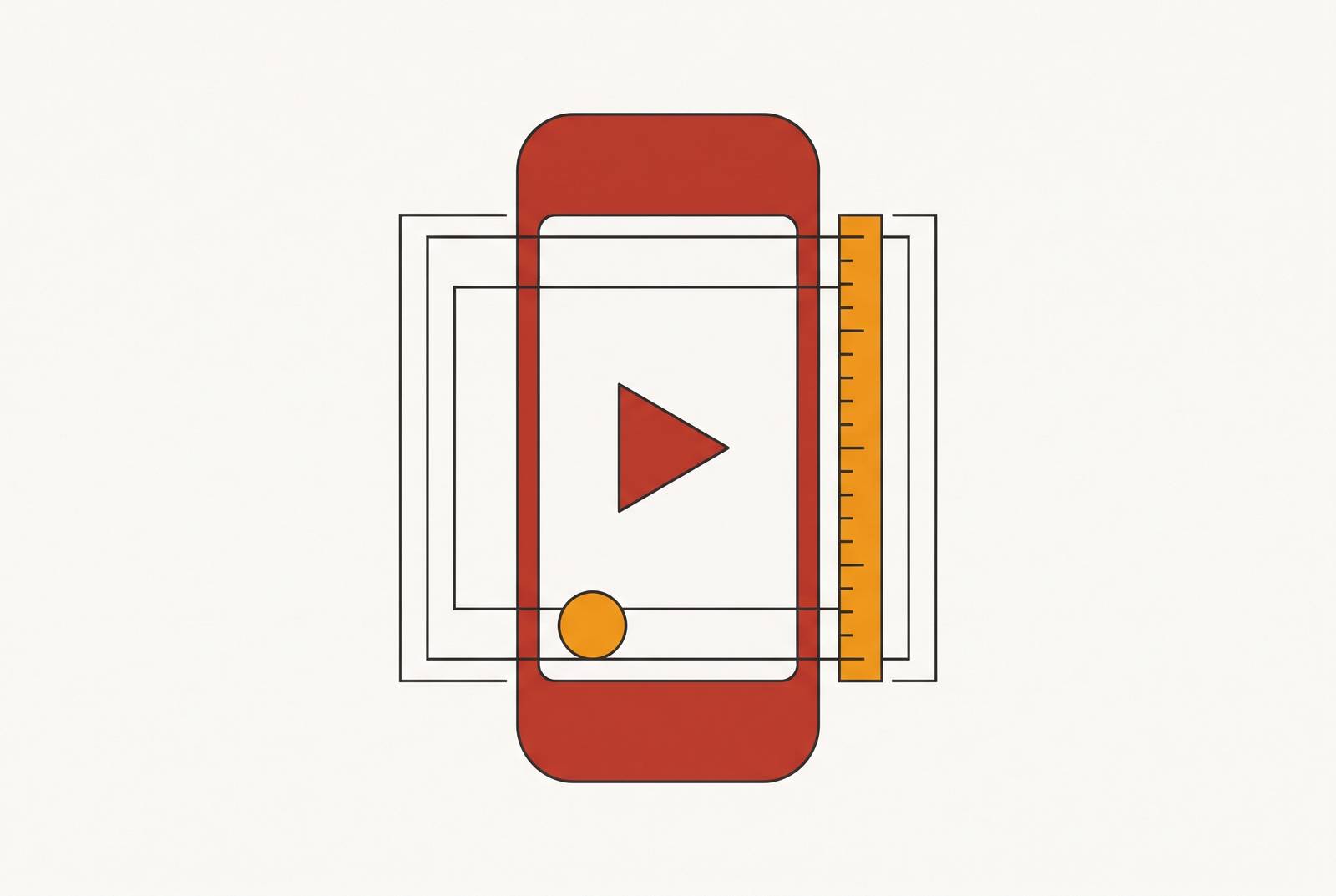
Even a file with the right size can leave its message hidden under TikTok’s interface. Safe zones change with the length of the caption and the interactive add-ons that overlap the ad. On a 1080×1920 frame, the working baseline reserves approximately 130 px at the top and 480 px at the bottom. It also reserves approximately 140 px on the right and 44–60 px on the left. The area that can be used sits just above the middle.
Those margins leave a rough safe area of 880×1310 px, with clearance depending on the layout and overlays. The right edge is particularly exposed. Follow, like, and comment icons can partially or fully cover a product shot or branded element placed there. The practical rule is to keep critical text, logos, and CTAs in the central portion, with TopView’s opening checked separately.
The bottom is not spare space for a custom button. TikTok renders its own CTA, such as “Shop Now” or “Learn More,” with a background color matched automatically to the video. Hard-coding another CTA there creates a duplicate and leaves neither button reliably clickable.
Audio, captions, and export settings that most briefs leave underspecified
Most TikTok viewers watch with sound on, but every ad still needs burned-in captions for accessibility and silent autoplay. The mix also has to protect the spoken message. Music should be 12–15 dB below the voice so it adds energy while keeping the voiceover easy to hear. The AAC requirement established in the common foundation belongs in the delivery settings.
Caption treatment needs equal precision. Word-paced kinetic captions, with each word or short phrase animating to the voiceover, outperform static subtitles. The recommended style is bold sans-serif with high contrast and a drop shadow, sized so the tallest caption fills roughly a third of the frame width. Placement should be 550–700 px from the bottom, inside the safe zone and never over faces.
For export, the practical default is H.264 in an MP4 container. Video bitrate should start high because TikTok re-encodes uploads to its own bitrate ladder, and a stronger source preserves quality through compression. The final settings still have to meet the bitrate floor for each format. An In-Feed Auction preset should not stand in for a TopView or Reservation export simply because the frame dimensions match.
How a unified platform removes the spec-compliance bottleneck at scale
Each placement adds its own duration, bitrate, file-type, text, and overlay requirements, while Spark adds authorization management. More channels widen that workload further. Manual tracking and disconnected tools become places where those differences are missed, especially when the same creative has several placement variants.
A unified platform brings creative specs, performance monitoring, and campaign operations into one place. AI-generated briefs and auto-resized creatives reduce the work of adapting assets for each format, including manually exporting every variant. The value is less repeated production work. Automation is useful when it applies the placement’s constraints early, while the creative can still be shaped around them.